
Add Any QR Code to Apple Wallet
Learn how to add any QR code to Apple Wallet in minutes using KODE.link. Simple, fast, and customizable for everyday use.
Learn how to add any QR code to Apple Wallet in minutes using KODE.link. Simple, fast, and customizable for everyday use.
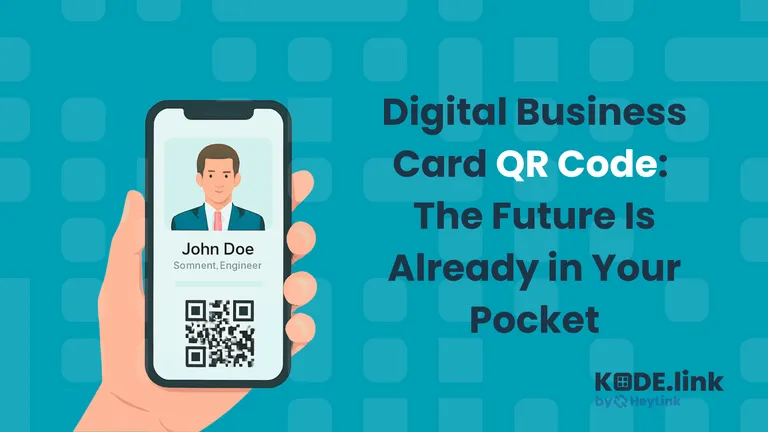
Learn why digital business card QR codes are replacing paper cards and how KODE.link makes sharing your contact info easy, modern, and smart.
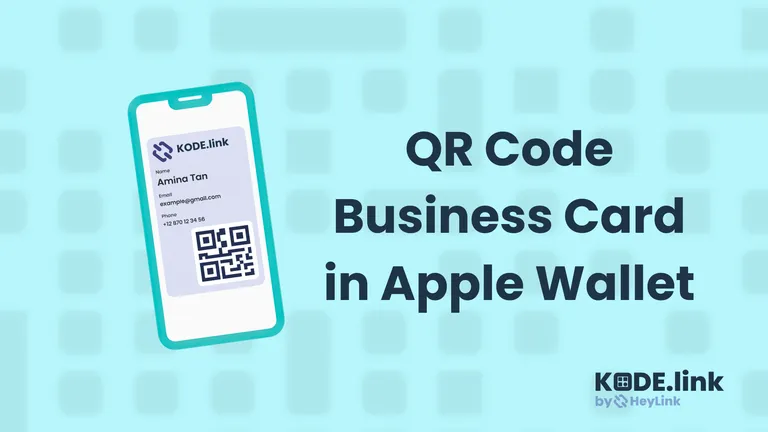
Upgrade your networking with QR code business cards in Apple Wallet—instant access, contactless sharing, and always up-to-date
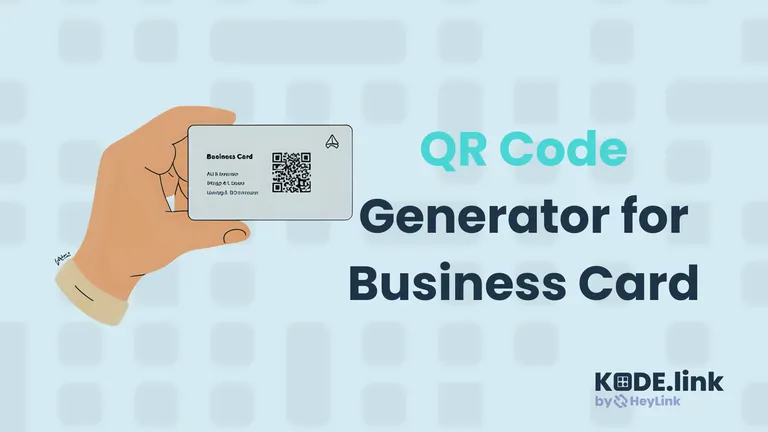
Turn your business card into a digital powerhouse. With a QR code, one scan shares your contact info, portfolio, socials, and more—making networking frictionless, modern, and unforgettable.
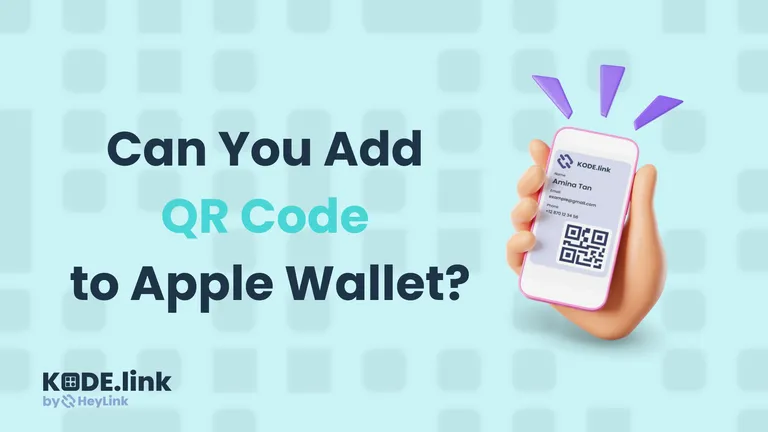
Can you add a QR code to Apple Wallet? Yes—here’s how to turn any QR into a Wallet-ready pass quickly and easily.
Discover the best online QR code generator features, from dynamic QR codes to branding and analytics, and avoid common QR mistakes.
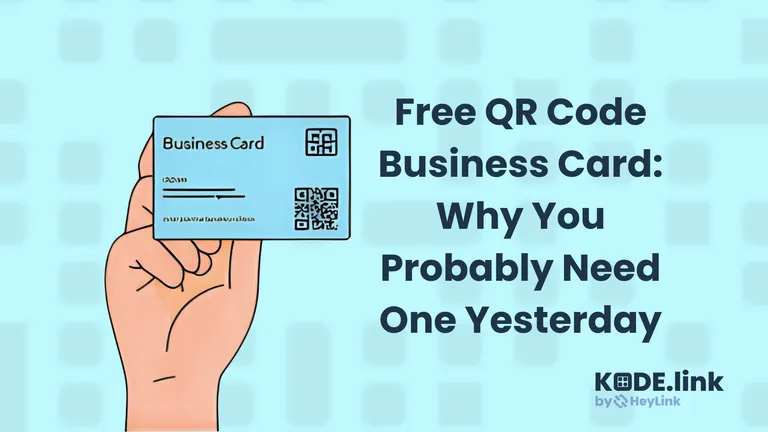
Ditch old paper cards. Share your info instantly with a free QR code business card from KODE.link—always updatable, always impressive.
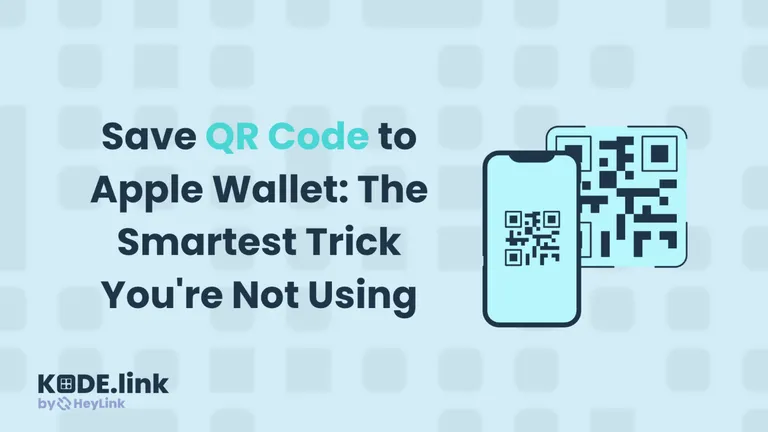
Stop digging through emails—save QR codes to Apple Wallet with Kode.Link. Instantly access tickets, passes, or digital business cards anytime, online or offline.
QR code generator login lets you skip passwords, scan to sign in securely, and access platforms like KODE.link instantly—fast, modern, and easy.